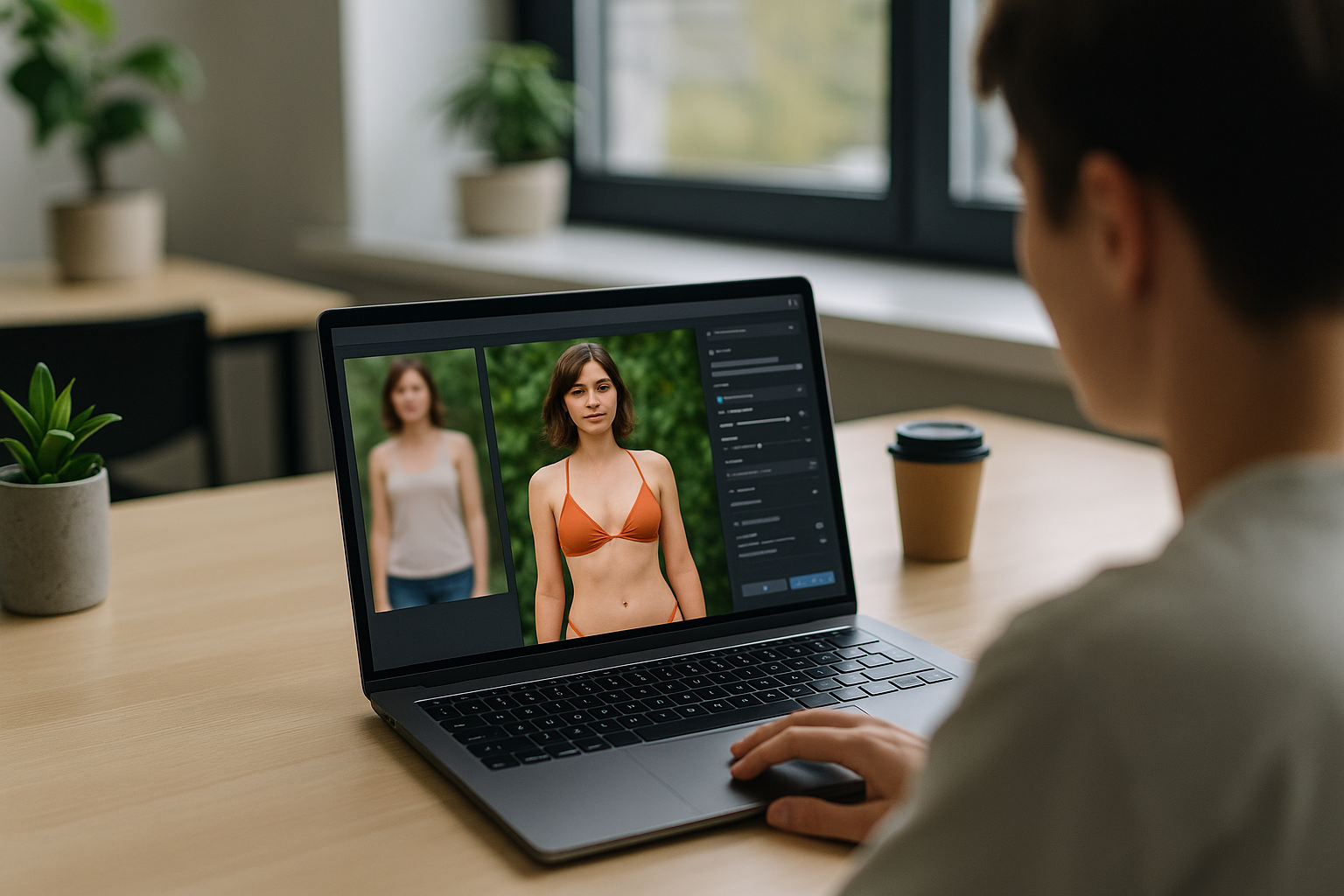
How to edit a photo to a bikini using an AI image editor: the safest practical workflow
If you want to edit a photo to a bikini using an AI image editor, the most reliable approach is not to ask the model to “make it sexy” or “change the outfit” in one vague prompt. It is to use an image-editing tool that can preserve the original pose, then replace only the clothing area with a specific bikini description. That workflow gives you more control, fewer artifacts, and a better chance of keeping the image realistic.
The important part is precision. Good editors can handle garment swaps, but they work best when you tell them exactly what should change and what should stay the same. If the tool supports masking, you should isolate only the outfit area and leave the face, hands, skin tone, background, and lighting untouched. That reduces the odds of distorted anatomy, mismatched shadows, or AI details that look pasted in.
Use an image editor, not a text-only prompt
For this job, image-to-image editing is usually better than generating a new image from scratch. A text-only prompt may create a bikini photo, but it often changes the subject’s body position, camera angle, age appearance, or background. An editor that takes an uploaded photo can preserve the original composition while changing the clothing.
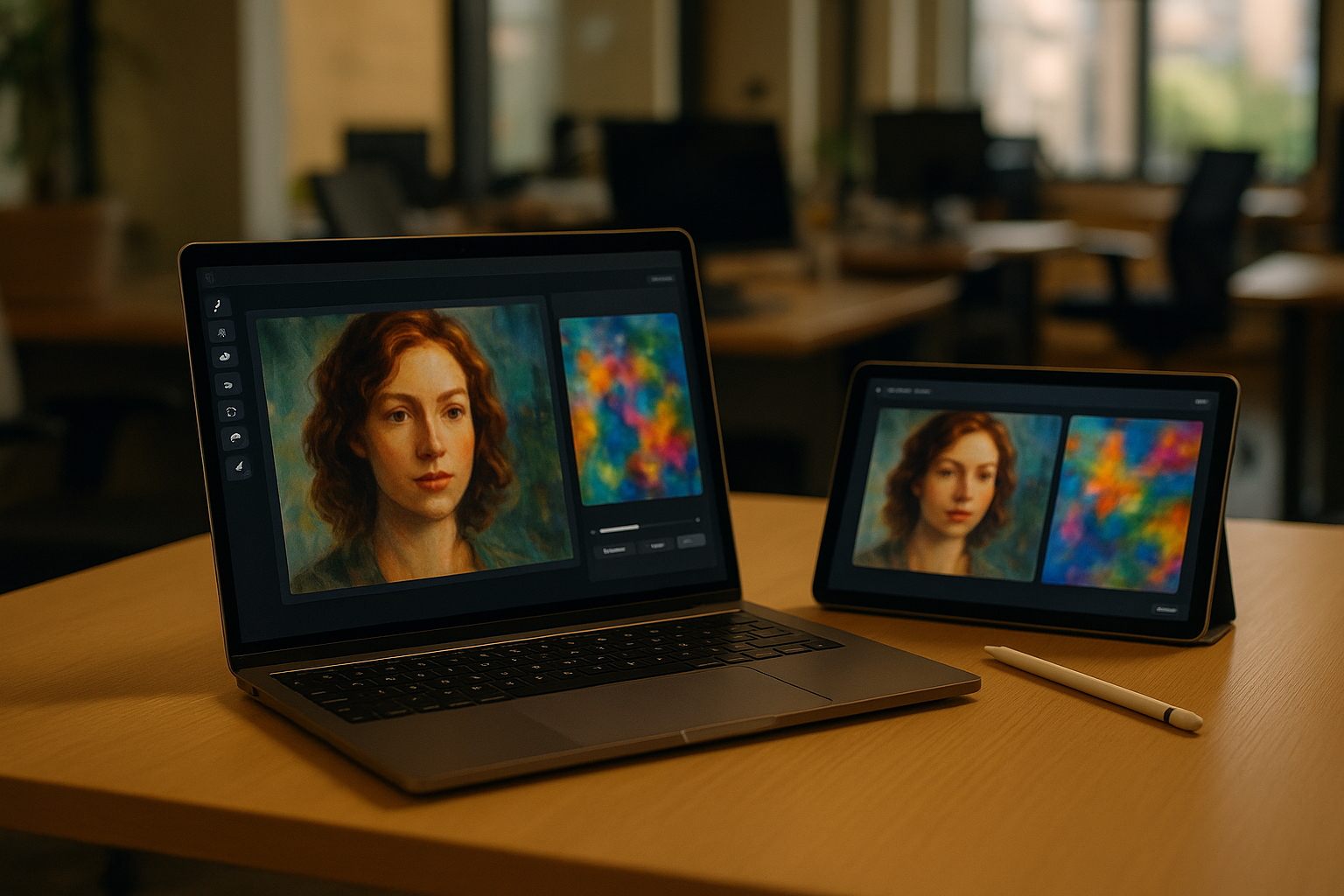
Look for tools with inpainting, brush masking, or region edit features. Those let you select the clothing area and ask for a bikini replacement without rewriting the entire image. If the editor supports strength or similarity controls, keep them moderate so the image stays close to the source photo.
How to prompt the bikini change without wrecking the image
The best prompt is direct and narrow. Describe the garment, color, fabric, and fit in plain language. For example, ask for a simple two-piece bikini in a specific color, with natural folds and lighting that matches the original photo. Avoid stacking extra style words unless you want a fashion-shoot look.
Useful prompt elements usually include:
• Bikini type: triangle, bandeau, sport, high-waist
• Color and material: black, red, textured fabric, matte finish
• Preservation rules: keep the same pose, face, background, and lighting
• Realism cues: natural shadows, believable seams, anatomically accurate proportions
If the editor tends to overdo detail, add negative instructions such as no extra limbs, no warped hands, no altered face, and no background changes. That helps the model focus on the clothing swap instead of rebuilding the whole photo.
Privacy, consent, and policy matter before upload
This kind of edit is not just a technical task. It also raises clear privacy and consent issues. You should only edit photos you own or have permission to modify, especially if the subject is another person. If the image involves a minor or could reasonably be mistaken for one, do not use an AI editor to create or sexualize a bikini version.
Platform rules can also be strict. Some tools limit edits that appear explicit, deceptive, or exploitative. A swimsuit edit is not automatically blocked, but the same prompt can be treated differently depending on how revealing the result becomes and whether the tool detects identity manipulation. If the editor refuses the request, that is a signal to stop rather than try to force the output through repeated prompts.
What usually improves results in practice
Small technical choices make a visible difference. Start with a high-resolution source image so the model has enough detail to reconstruct edges cleanly. Choose photos with good lighting, a clear body outline, and clothing that is not heavily obscured by hair, arms, or props. Busy scenes make garment replacement much harder.
After the first edit, inspect the image at full size. Watch for mismatched skin tones, broken fabric lines, odd shadows, or changes in jewelry and accessories. If the tool allows iterative editing, fix the clothing area first and only then make minor adjustments to color or style. That step-by-step approach usually works better than asking for a complete transformation in one pass.
If your goal is a believable social post, marketing visual, or concept mockup, the safest route is a modest edit that keeps the original photo intact. The more the request looks like a full-body transformation, the more likely the AI is to introduce obvious errors or run into policy limits.
In short, the best answer to how to edit a photo to a bikini using an AI image editor is simple: use a masked image edit, write a narrow prompt, preserve the original composition, and stay within consent and platform rules. That is the workflow most likely to produce a clean result without making the image look synthetic.