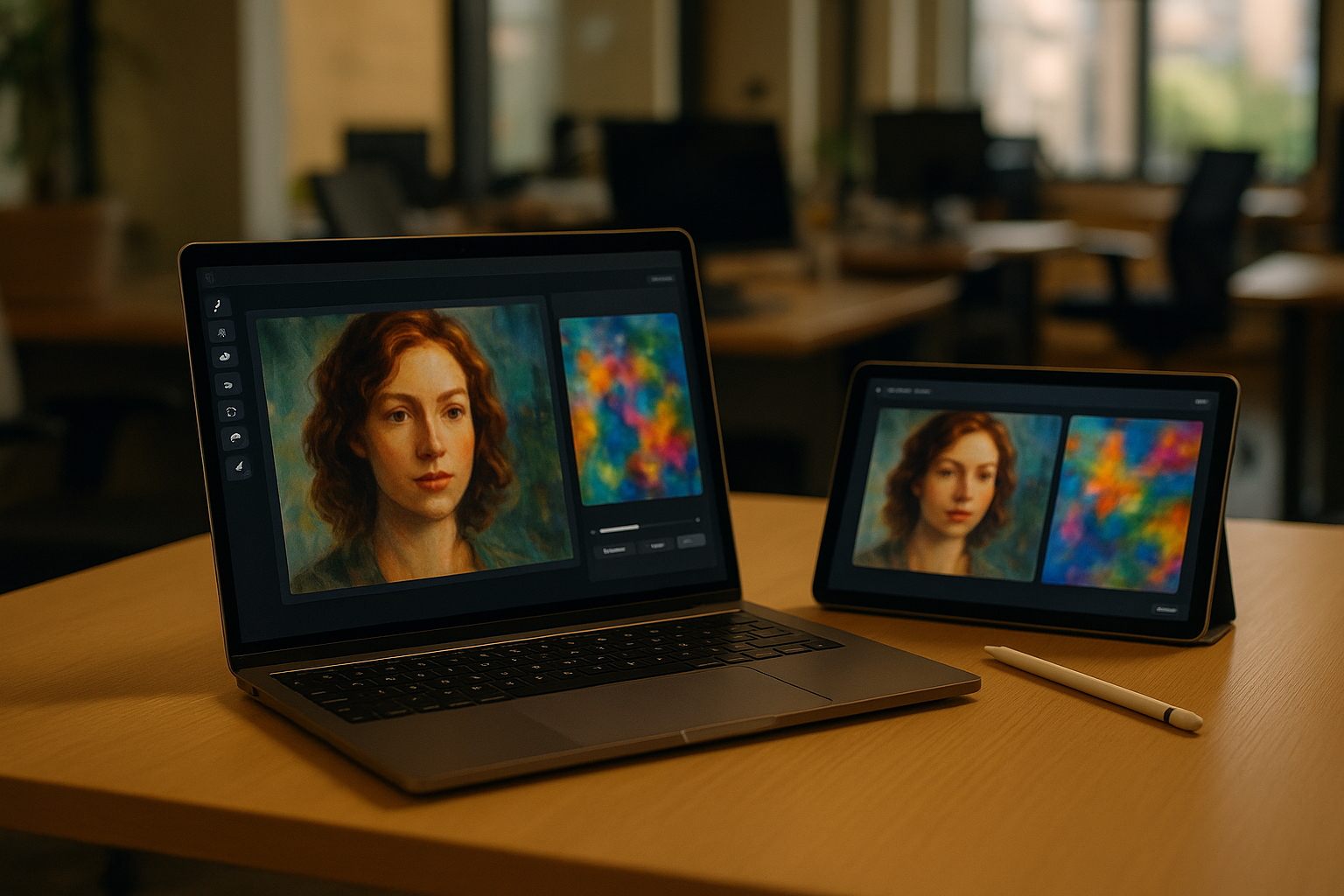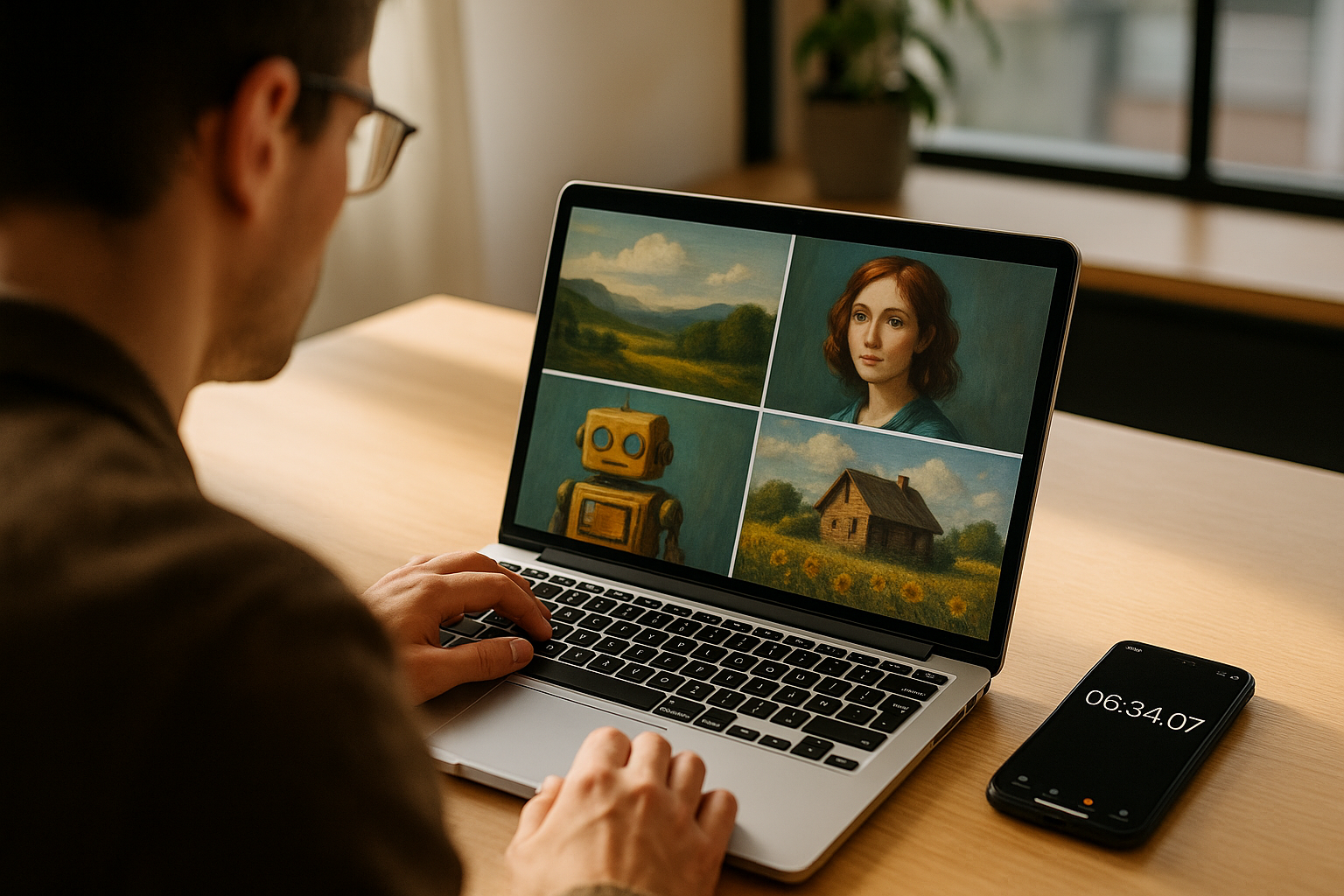
How long does ChatGPT take to generate an image? The practical answer users need in 2026
For most people, ChatGPT generates an image in a matter of seconds, not minutes. Simple requests often finish quickly, while more detailed prompts, larger outputs, or busy periods can stretch that wait. If you are using ChatGPT for blog graphics, social posts, mockups, or concept art, the key takeaway is straightforward: image generation is generally fast enough for iterative work, but it is not instantaneous.
The most useful way to think about it is this: ChatGPT image generation is usually quick for first drafts, and slower when you ask for more control. A basic prompt may return an image after a short pause, while a refined prompt with multiple objects, style constraints, or edits to an existing image can take longer. That timing matters because it affects how you plan creative work, especially when you need several variations in one session.
Most ChatGPT image generations finish in seconds
In normal use, the system is built for fast turnaround. That makes it practical for creators who want to test ideas without waiting through a traditional design workflow. A short prompt like a simple product mockup or a single-scene illustration is usually the fastest kind of request.
By contrast, image generation can slow down when the instruction set is more demanding. If you ask for multiple subjects, highly specific composition details, unusual visual styles, or text-heavy graphics, the model has more work to do. The result is still typically quick by human standards, but users should expect variation.
Edits and revisions can take longer than a fresh image
One of the biggest time differences appears when users ask ChatGPT to change an image instead of making one from scratch. Edits often require the system to preserve parts of the original image while adjusting others, which can add processing time. A small change may feel fast, but a more involved rewrite of the image can take longer than a clean new generation.
This matters for practical workflows. If you are producing marketing visuals, thumbnails, or classroom assets, it is usually faster to batch your requests and keep revisions specific. Vague edit instructions tend to create back-and-forth, which adds more waiting than a well-scoped prompt.
Prompt detail, image complexity, and server load all affect timing
Generation speed is not only about the tool itself. It also depends on prompt complexity, output requirements, and system demand at the moment you submit the request. A user asking for a simple concept sketch and a user asking for a polished scene with several objects are not asking the model to do the same amount of work.
Network conditions and platform load can also influence how long the result takes to appear. That is normal for cloud-based AI tools. When demand is high, even a fast model can feel slower because your request is waiting in the same queue as everyone else’s.
Why the timing matters for creators, marketers, and everyday users
Speed is part of the commercial value of AI image generation. If a tool returns usable images quickly, it can fit into content production, client mockups, classroom assignments, and rapid concept testing. That is one reason ChatGPT image generation has become useful beyond casual experimentation: it reduces the time between idea and visual output.
For teams, the timing also shapes expectations. ChatGPT works best when users treat it as a rapid drafting tool rather than a fully deterministic design system. The fastest results usually come from clear prompts, modest complexity, and a willingness to refine in small steps instead of asking for everything at once.
In practice, the answer to how long it takes is simple: usually seconds, sometimes longer, and often faster than the next person in your workflow expects.